
How to Protect Your Privacy on Snapchat
Learn how to securely protect your privacy on Snapchat. Practical tips, personal experience, and security tools. Relevant for 2025.

SMM strategist, content marketer
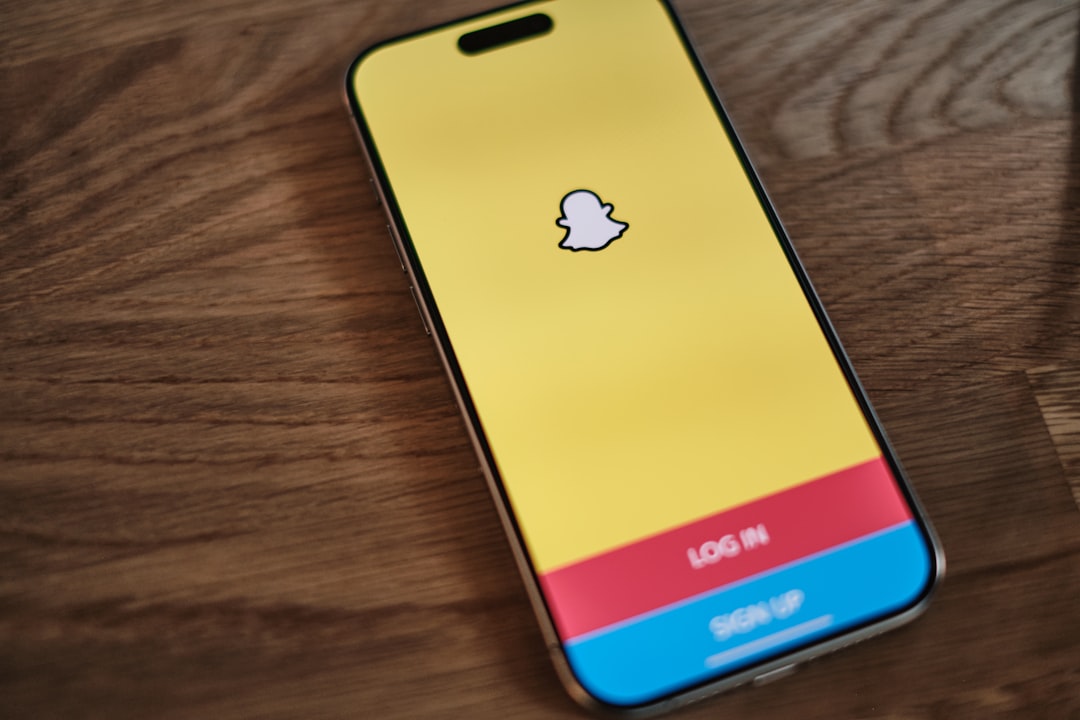
In a world where digital footprints last forever, privacy has become not just a rule but an absolute necessity. This is especially true for Snapchat — a platform where sharing instant photos and videos is often perceived as a more private space. Although the service brands itself as having "disappearing messages," the reality is somewhat different. Sometimes you have no control over who sees your content or how malicious actors might use it. This post is your manual on protecting privacy on Snapchat, enhanced with practical advice and personal experience.
According to Statista, the number of active Snapchat users will continue to grow into 2026, so raising awareness is more important than ever.
Personally, I first encountered a privacy issue on Snapchat last year: I accidentally added a user who turned out to be a scammer and started asking for personal information. Since then, I have developed a system of checks and settings that I share below.
Who This Is Useful For
Regardless of whether you are a blogger, entrepreneur, or a regular Snapchat user, it’s important to understand the basic security rules. The main beneficiaries of this guide are:
- Teenagers and young people actively using Snapchat to communicate with friends.
- Small businesses promoting services via social networks.
- Those who want to protect their photos and videos from prying eyes.
- Users who fear online scams or data leaks.
Tools and Settings for Snapchat Security
Let's be honest: Snapchat is not like Telegram or Signal with its end-to-end encryption, but certain protection options exist. Here are some tips that will help you secure your account in the best possible way.
- Set a strong password. Never use simple combinations like your birthdate or "123456." The password should be at least 12 characters long, mixing letters, numbers, and symbols.
- Enable two-factor authentication (2FA). Snapchat offers this option — it significantly complicates hackers' access. I recommend adding your phone number to receive codes.
- Check who you grant access to. Use privacy settings — only friends can see your stories or send messages. A good practice is to regularly clean your contact list.
- Avoid public profiles. Open accounts attract bad actors and spammers, whom you can easily avoid by setting privacy to maximum.
- Use the "Friends can only capture" screen feature. Snapchat may notify you when someone takes a screenshot, but it’s better to prohibit it.
- Regularly update the app. Snapchat developers constantly patch vulnerabilities — ignoring updates is risky.
- Do not respond to suspicious requests. Scammers often send links or viruses through messages; do not click them thoughtlessly.
Practical Examples of Protection
In my practice, there was a case with a client using Snapchat to advertise his restaurant. Once he received a message from a fake account imitating a partner. Thanks to privacy settings and 2FA, the client quickly identified the scammer and blocked him, avoiding reputation damage. This experience showed that security tools are not abstract but real protection.
Another example is a blogger regularly publishing lifestyle content who significantly narrowed her audience without harming activity. She gave access only to close friends, which deflected attention from random viewers and reduced the risk of personal data leakage.
Recommendations for the Future
While Snapchat is evolving, basic principles remain the same: security and privacy are not a ticket but a continuous system of measures. Looking ahead to 2025-2026, experts say social networks promise to integrate greater control over content affiliated with artificial intelligence and behavior analytics.
You can already prepare: learn to analyze app behavior and set automatic filters, including through third-party tools. Combine this with the proven security methods we've described — and you will be ahead of most.
Infographic: 7 Steps to Protect Privacy on Snapchat

Useful External Resources
- State Service for Personal Data Protection of Ukraine — official resource with up-to-date security standards.
- Statista: Snapchat analytics and research — to understand platform trends and risks.
For a more detailed understanding of social media topics and promotion, don't forget to check out our advice on using Snapchat for business and general trends in SMM in 2025 trends.
Helps brands build social media communication that creates trust and brings results.
Comments (0)
Leave Your FeedbackNo comments yet — be the first to share your thoughts.